 Custom Barcode Scanner Manufacturer Professional







Ring-Pocket-Wearable 2D Barcode Scanner - 2D iDC9800R / iDC9860R / iDC9802RUW
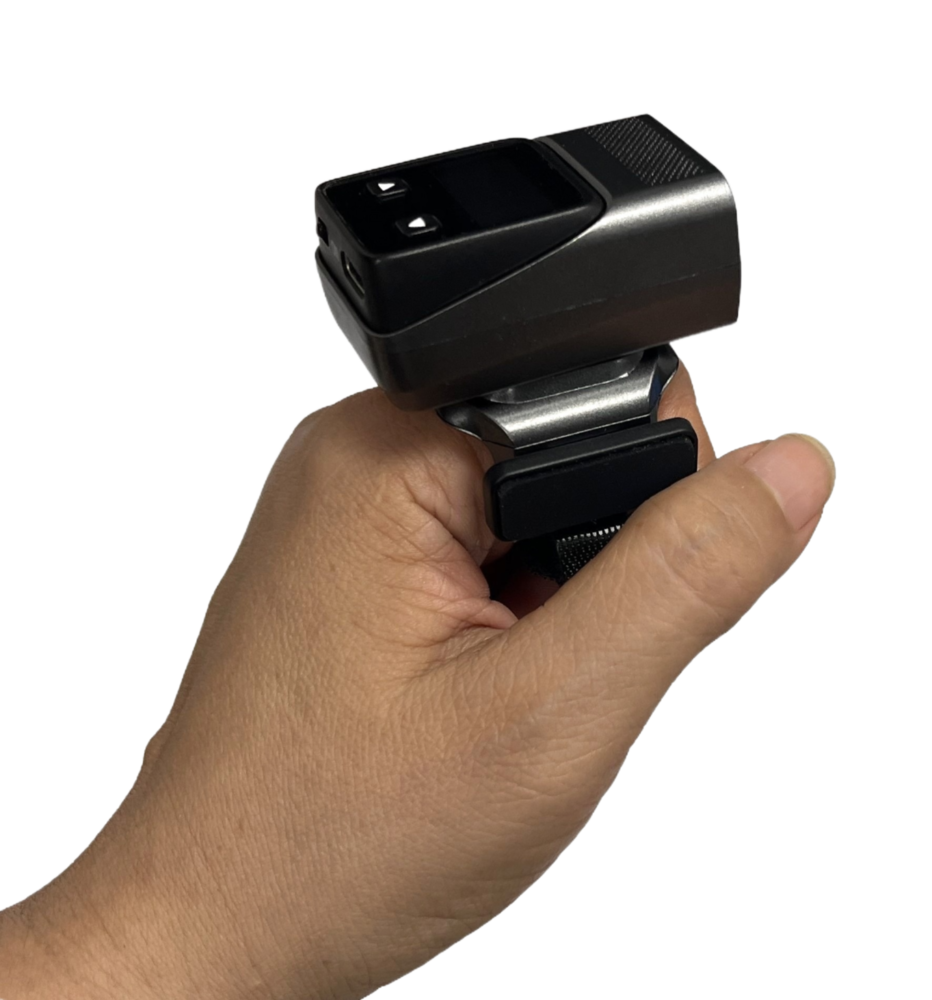
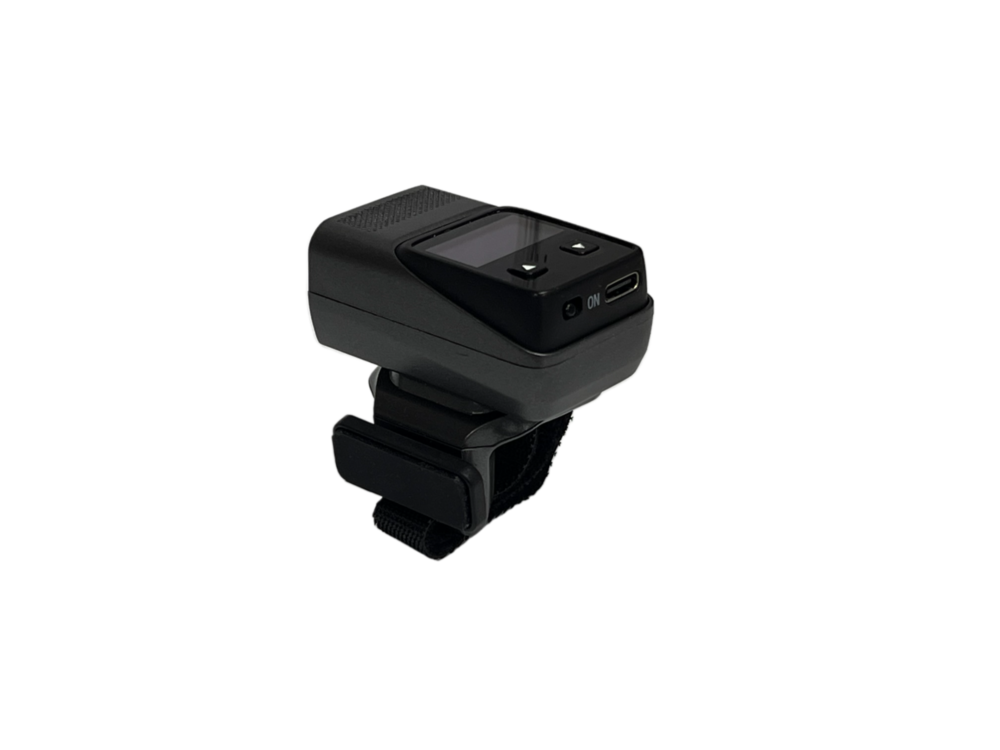
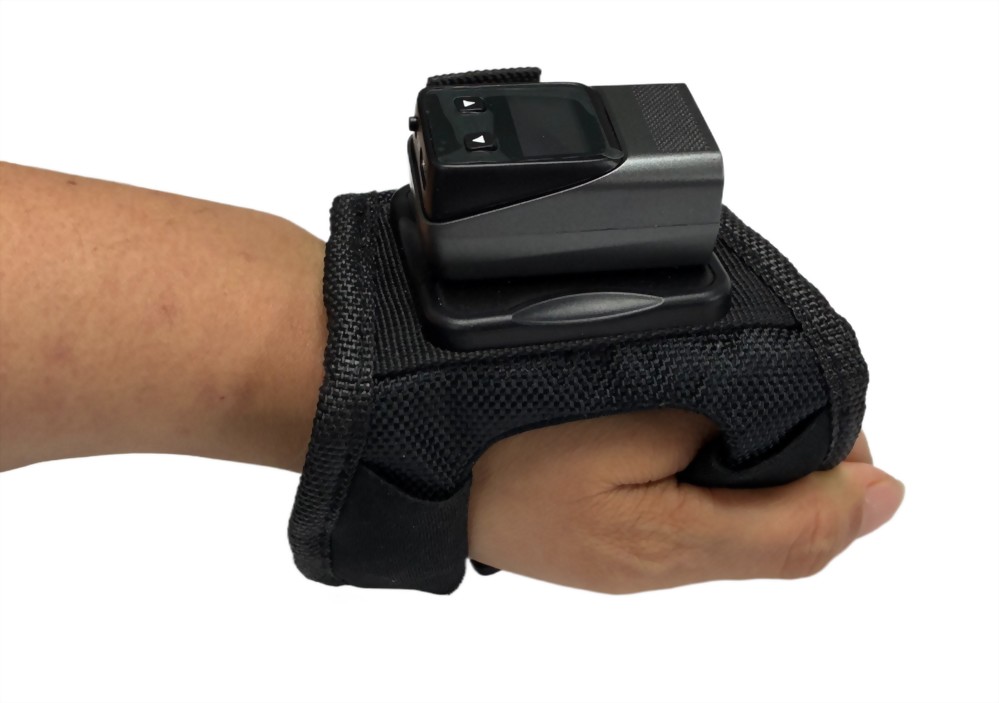
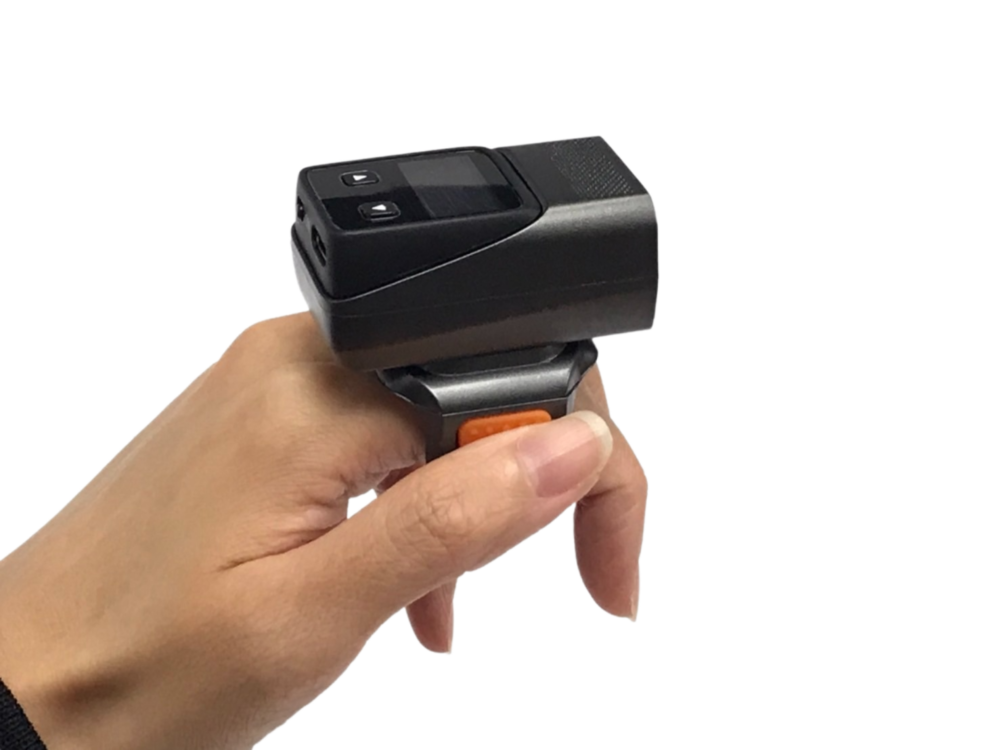
• Small size 52mm x 34mm x 48mm(Ring): easy to carry
• LCD Screen: 23 × 12 mm (for iDC98XXX series)
• BT v4.2: transmission distance up to 25 meters(Bluetooth)/70 meters up( 2.4G)
• Vibration feedback on successful scan (read OK)
• Compatible with Android, iOS, and Windows devices
• Scan Modes: Normal (Direct Scan) or Storage (Memory Scan) – user selectable
• Keyboard Toggle support on iOS devices
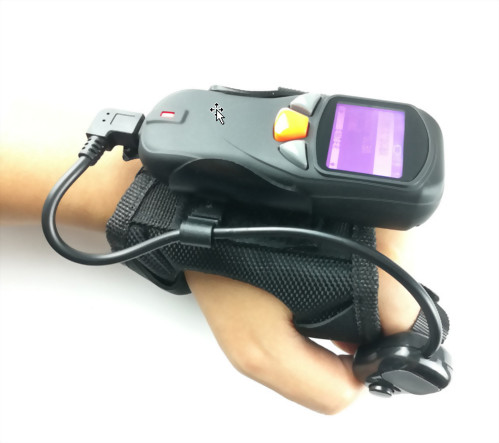
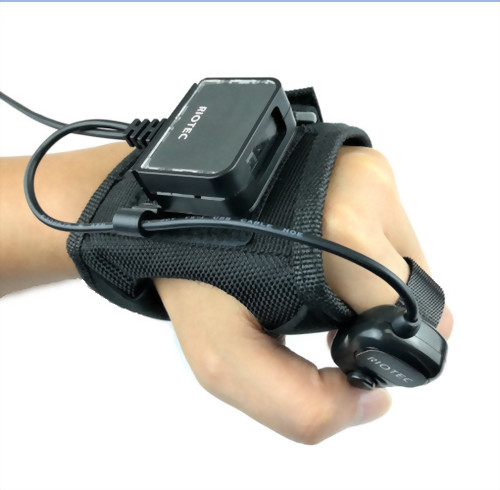
• Ambidextrous glove design – can be worn on either the left or right hand
• LCD Screen: 23 × 12 mm (for iDC98XXX series)
• BT v4.2: transmission distance up to 25 meters(Bluetooth)/70 meters up( 2.4G)
• Vibration feedback on successful scan (read OK)
• Compatible with Android, iOS, and Windows devices
• Scan Modes: Normal (Direct Scan) or Storage (Memory Scan) – user selectable
• Keyboard Toggle support on iOS devices
• Ambidextrous glove design – can be worn on either the left or right hand
3-in-1 Ring, Pocket & Wearable 2D Barcode Scanner
In fast-paced warehouse, logistics, and retail operations, workers often need to scan items while keeping both hands available. Repeatedly picking up and putting down a handheld scanner can interrupt the workflow and reduce productivity.
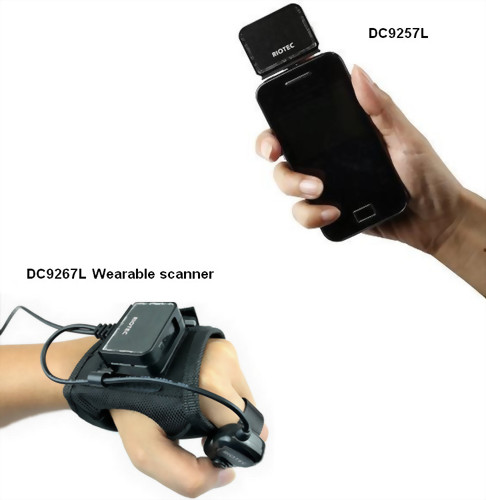
This compact 2D barcode scanner can be used as a ring, pocket, or wearable scanner, providing greater mobility for order picking, inventory management, package sorting, stocktaking, and other scan-intensive tasks.
Compact Design for Mobile Scanning
Measuring only 52 × 34 × 48 mm in the ring configuration, the scanner is compact and easy to carry throughout the workday. Its lightweight, wearable design allows operators to scan barcodes while handling products, packages, tools, or documents.
The ambidextrous glove can be worn on either the left or right hand, making it easier to adapt the scanner to different operators and workflows.
LCD Screen for Convenient Operation
Models in the iDC98XXX series feature a 23 × 12 mm LCD screen, providing convenient on-device viewing during scanning operations.
This makes the scanner suitable for mobile workflows where operators need immediate access to information without repeatedly checking the connected host device.
Bluetooth and 2.4 GHz Wireless Connectivity
The scanner supports two wireless communication options for different operating environments:
- Bluetooth 4.2: Transmission distance up to 25 meters
- 2.4 GHz wireless: Transmission distance up to 70 meters
Bluetooth connectivity is suitable for pairing with tablets, smartphones, and computers, while the longer-range 2.4 GHz connection provides greater flexibility in warehouses, logistics centers, and other large work areas.
Actual transmission distance may vary depending on the operating environment and surrounding interference.
Direct Scan and Storage Scan Modes
Users can select the appropriate scan mode according to their workflow:
Normal Mode (Direct Scan): Barcode data is transmitted directly to the connected device.
Storage Mode (Memory Scan): Scanned data is stored in the scanner for later transfer.
Storage Mode is especially useful when the operator needs to move beyond the wireless communication range or perform scanning tasks without maintaining a continuous connection.
Vibration Feedback for Successful Scans
The scanner provides vibration feedback after a barcode has been successfully read. This tactile confirmation helps operators recognize a successful scan in noisy environments or situations where visual and audible feedback may be difficult to notice.
Compatible with Android, iOS, and Windows
The scanner is compatible with Android, iOS, and Windows devices, allowing it to be integrated into a wide range of mobile and desktop applications.
For iOS devices, keyboard toggle support allows users to conveniently show or hide the on-screen keyboard when data entry is required.
Suitable Applications
- Warehouse order picking
- Inventory management
- Logistics and package sorting
- Retail stocktaking
- Manufacturing material handling
- Mobile data collection
- Field service operations